¶ About the Cloudpanel
"CloudPanel is a free and modern server control panel to configure and manage a server with an obsessive focus on simplicity.
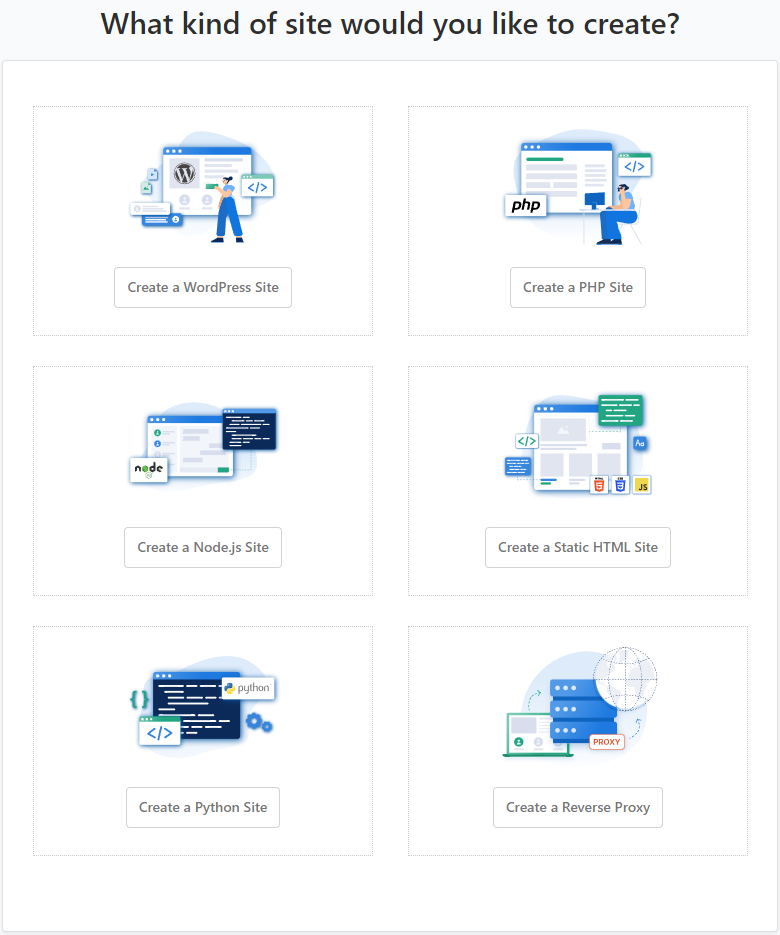
Run PHP, Node.js, Static Websites, Reverse Proxies, and Python Applications in no time on a High-Performance Technology Stack."
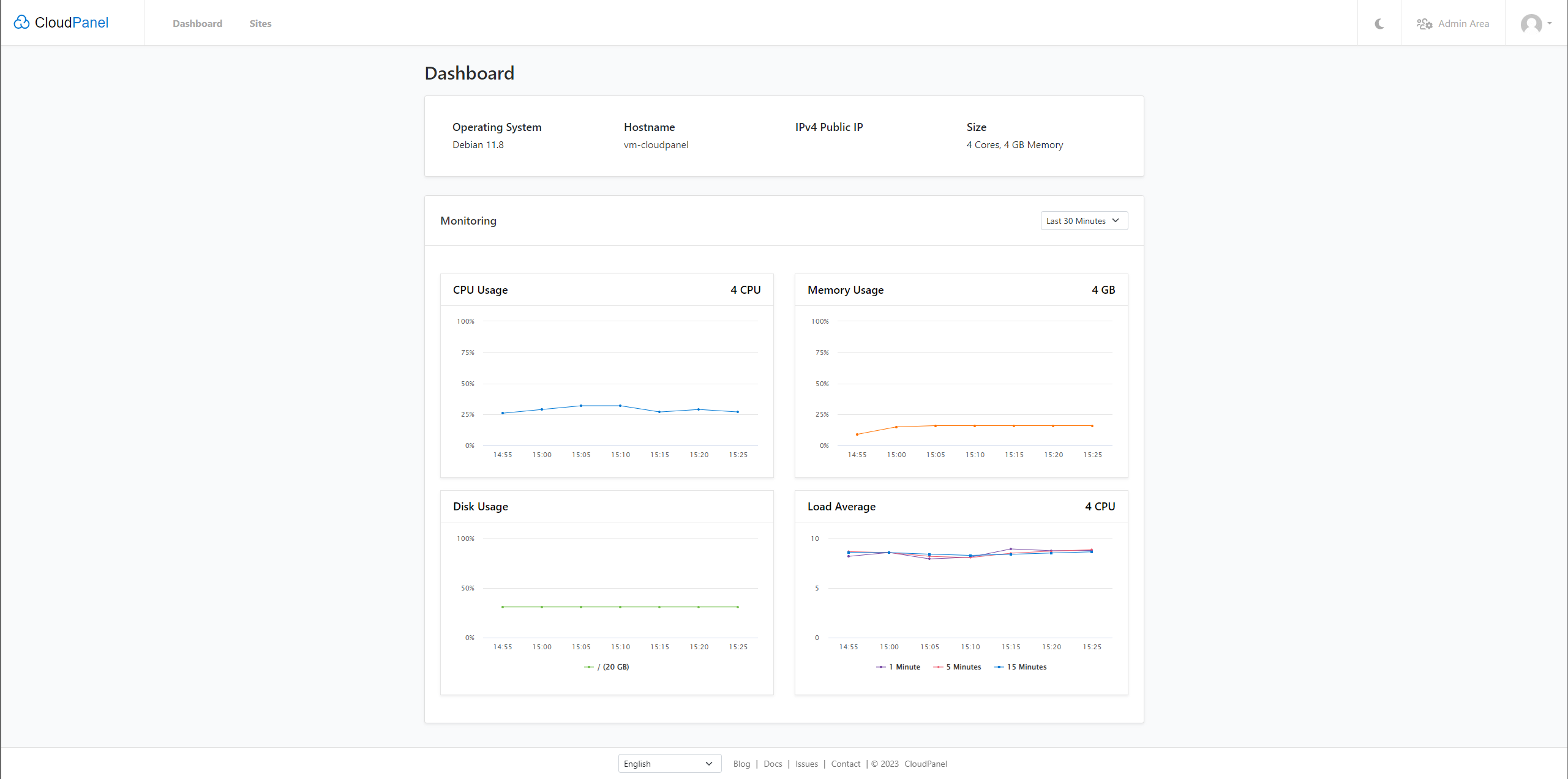
¶ 1. Selfhostet installation
- I installed in a lxc container on proxmox, but you can do it how you want…
- Requirements:
| OS | Architecture | CPU | RAM | Disk |
|
• Ubuntu 22.04 • Debian 11 |
• X86 (64-Bit) • ARM64 |
≥ 1 Core More → Better |
≥ 2GB Also More → Better |
≥ 10GB More if you have big ore many websites |
- first update the system and install some nedded packages
apt update && apt -y upgrade && apt -y install curl wget sudo
- the run the installer with your preferred DB Engine an runig system
| Ubuntu 22.04 LTS | Debian 11 LTS |
|
|
¶ Acces to the panel
For security reasons, access CloudPanel as fast as possible to create the admin user. There is a small time window where bots can create the user. If possible, open port 8443 only for your IP via firewall.
- You can access via browser to your IP:
https://<IP>:8443
¶ 2. Update the System/ Cloudpanel
- I update my systems with this command:
apt update && apt upgrade -y && apt autoremove -y && apt dist-upgrade -y
- You can update the CloudPanel Software with this command:
clp-update
© https://www.cloudpanel.io/docs | Picture are screenshotet from the software by me